Code 128 Barcode Fonts
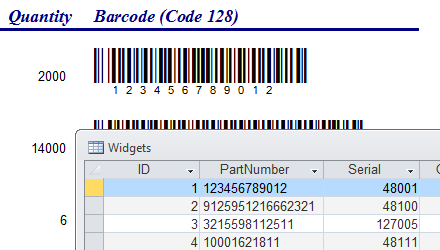
- Generate barcodes using TrueType fonts, as text. Copy and paste to any document or program where text is supported.
- Create single barcodes, pages of labels, or mail merge documents in Microsoft Word with the included add-in.
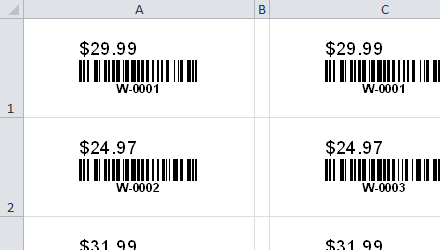
- Convert cells to barcodes or full sheets of labels directly in Excel. Create auto-updating barcodes by using Excel formulas.
- Add barcodes to your Access Reports.
- Add barcodes to Crystal Reports with the included User Function Library.
- Works great with SSRS SQL Server Reporting Services
- Compatible with all versions of MS Office from 97 to 2016 / 365 and Windows XP to Windows 11.
Code 128 Barcodes in Microsoft Word: Selection To Barcode
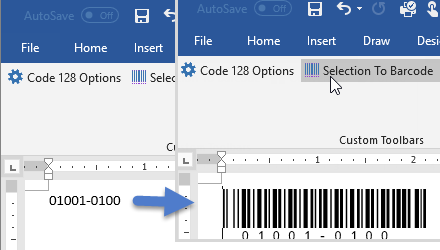
To create a Code 128 barcode, simply select the text with your mouse and click on the toolbar button.
Word Mail Merge
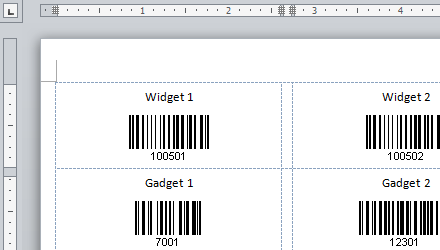
Create barcode labels in Word by merging data from Excel or another source.
Barcodes in Excel: Selection To Barcodes
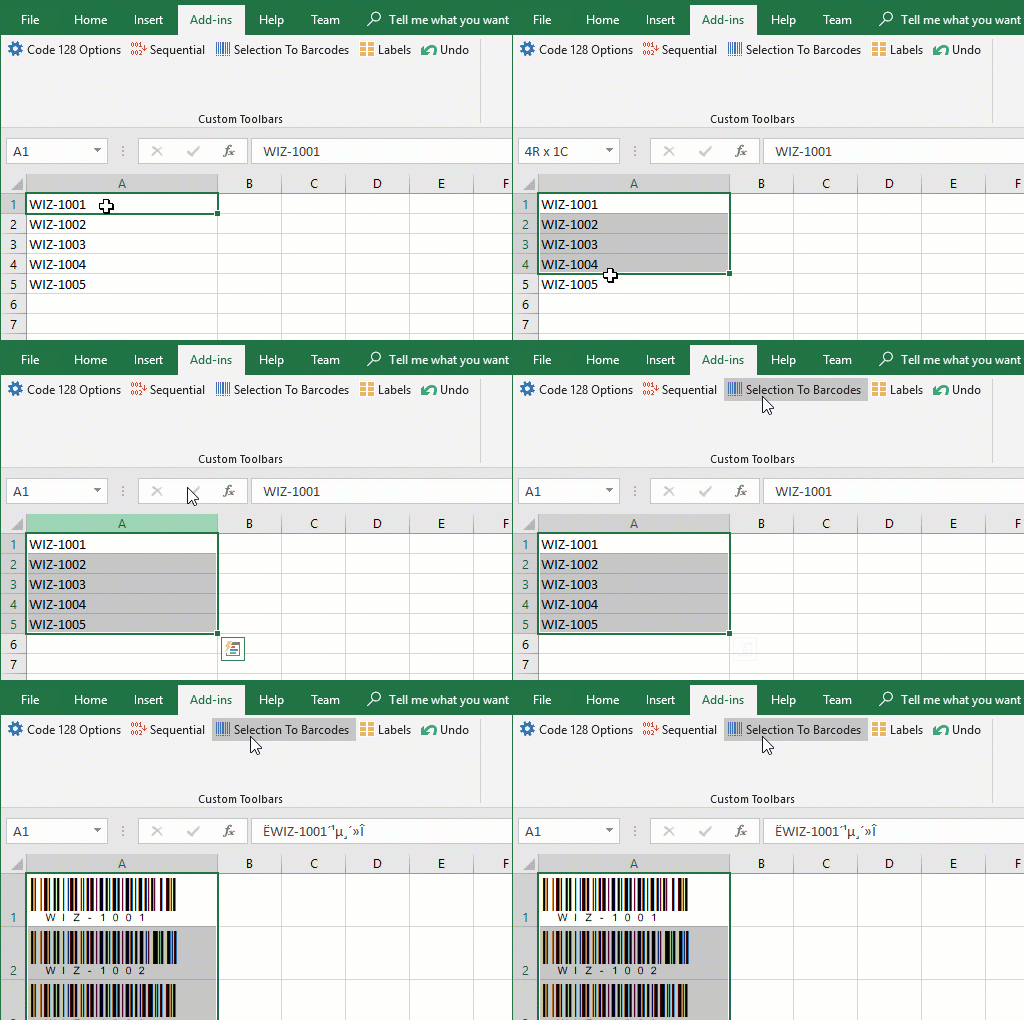
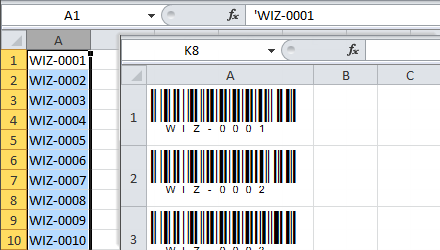
Simply select one or more cells and click on Selection To Barcodes button on the toolbar. This automatically formats the text, calculates the check digit, and changes font name and size using your predefined settings.
Excel Spreadsheet Formulas
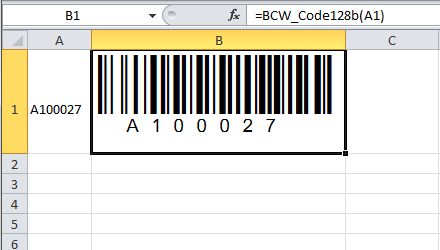
Use Excel formulas to create dynamic barcodes. In this example, the barcode updates its value whenever cell A1 changes.
Code 128 Fonts in Access
Add Code 128 barcodes to your Access reports and forms with the help of included module. Use data tables or queries as your source.